







The production order lock functionality will freeze the scheduled start and finish dates of the production order.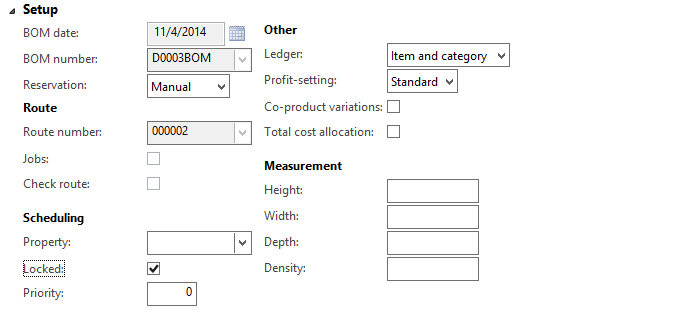 It can only be checked manually. With this box checked, a warning message will come up when you try to schedule the order, an also when you release or start it.
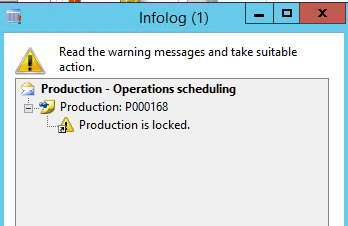 But this box has a surprising side-effect for the capacity reservations.
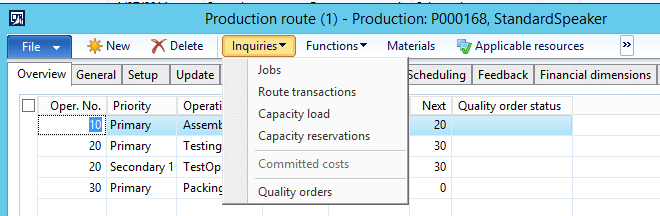
Normally, when I report hours against an operation, the capacity reservations immediately get reduced after posting the Route Card Journal.
EXAMPLE
Op 10 – 10 hrs. Post Routing Card Journal for Op 10 for 5 hours, do not check “complete” checkbox.
Capacity reservations remaining : 5 hours.
Post Routing Card journal for Op 10 for another 1 hour, DO check “complete” checkbox.
Capacity reservations remaining: 0 hours.
This functionality is frozen when my production order is locked.
Capacity reservations are no longer reduced until I remove the lock and actually RE-schedule the production order.
This publication contains general information only and Sikich is not, by means of this publication, rendering accounting, business, financial, investment, legal, tax, or any other professional advice or services. This publication is not a substitute for such professional advice or services, nor should you use it as a basis for any decision, action or omission that may affect you or your business. Before making any decision, taking any action or omitting an action that may affect you or your business, you should consult a qualified professional advisor. In addition, this publication may contain certain content generated by an artificial intelligence (AI) language model. You acknowledge that Sikich shall not be responsible for any loss sustained by you or any person who relies on this publication.