







Multi-Factor Authentication (MFA) is essential to working in today’s business environment securely. MFA is an authentication method in which a computer user is granted access only after successfully presenting two or more pieces of evidence (or factors) to an authentication mechanism. The pieces of evidence can include knowledge (something the user and only the user knows), possession (something the user and only the user has), and inherence (something the user and only the user is).
Enabling MFA for hundreds or thousands of users can be a challenge. Knowing which method they used to configure MFA out of the available options is also not available from the Azure AD portal. That’s where Windows PowerShell comes in.
Below is a script that you can download and run against your Microsoft 365 Tenant to see which users and which method have been enrolled in MFA. You will need to have the prerequisites for Powershell remoting as shown here: https://docs.microsoft.com/en-us/powershell/exchange/exchange-online/connect-to-exchange-online-powershell/connect-to-exchange-online-powershell?view=exchange-ps
Below I will explain how to run this report and view the MFA status of each user.
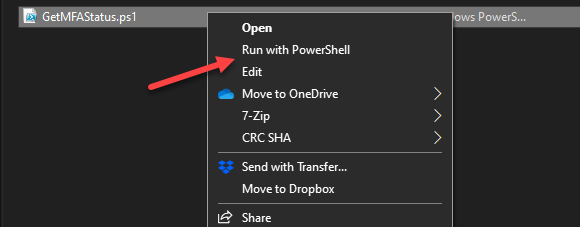
- Download the following script, https://gallery.technet.microsoft.com/office/Export-Office-365-Users-81747c73, and then right-click on the downloaded script and select “Run with PowerShell.”
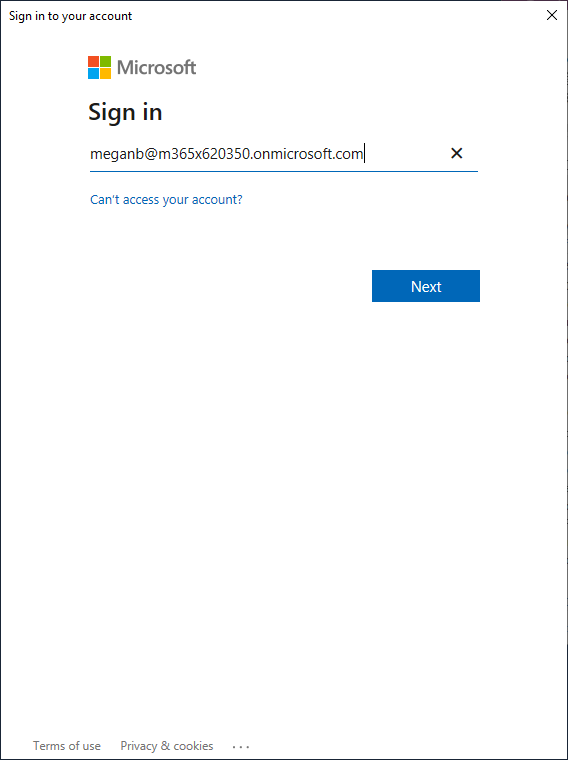
- Now the credential window will pop up. Type in your global administrator username here and select Next.
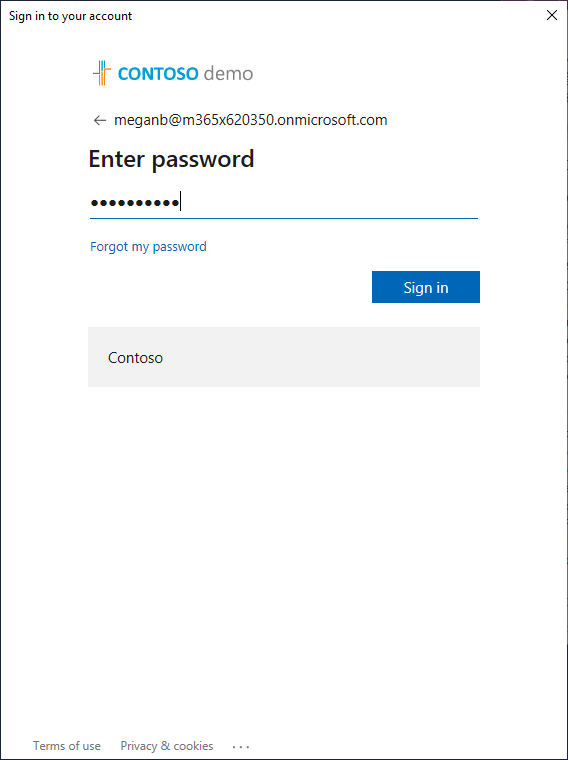
- Type in your Global Administrator Password and select Sign In.
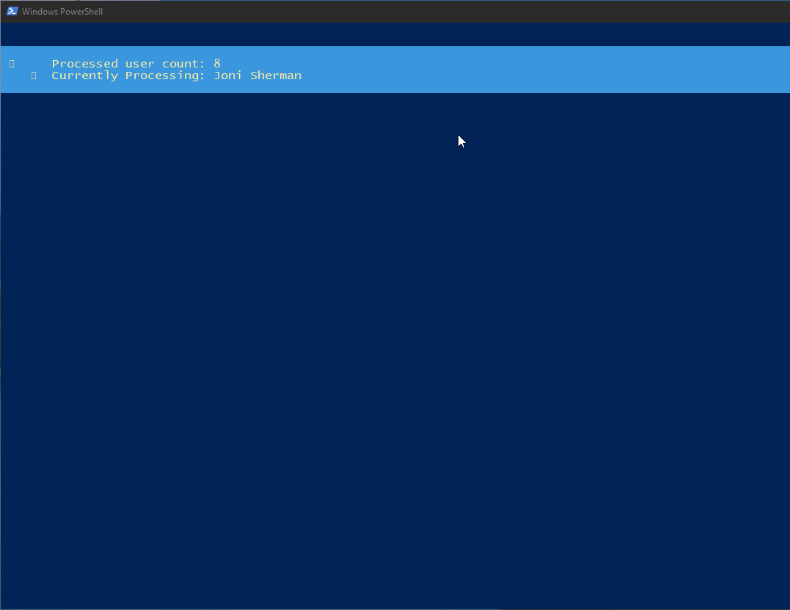
- The Script is now running and reviewing the users in your tenant and gathering the information. This may take some time to complete.
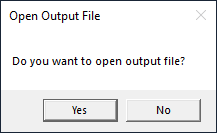
- When the script finishes running, if there was data to report, it will prompt you to open the output file. Choose Yes.
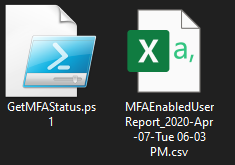
- The file will be in the same directory from where you ran the script, the name is based on the date and time the script was run.
- From the sample data below, you can see that Columns E and F contain the MFA options set for the named account in that row.
Here are the methods that can be seen:- OneWaySMS – Your standard text message code – 6 digits with one time use
- TwoWayVoiceMobile –Your standard voice call – will provide one-time password over the phone
- PhoneAppOTP –Microsoft Authenticator with a 6-digit one time password
- PhoneAppNotification –Microsoft Authenticator but also with the notification approval method
| Column A – Display name in the user list | Column G – MFA configured phone number |
| Column B – The user principle name to login to office365 | Column H – MFA configured backup email address |
| Column C – MFA status for the account | Column I – User license status |
| Column D – Activation status | Column J – Account admin status |
| Column E – Default MFA method | Column K – Account admin roles |
| Column F – All configured MFA methods | Column L – Account sign in status |

Do you need help with setting up MFA? Contact the Sikich Team today!
This publication contains general information only and Sikich is not, by means of this publication, rendering accounting, business, financial, investment, legal, tax, or any other professional advice or services. This publication is not a substitute for such professional advice or services, nor should you use it as a basis for any decision, action or omission that may affect you or your business. Before making any decision, taking any action or omitting an action that may affect you or your business, you should consult a qualified professional advisor. In addition, this publication may contain certain content generated by an artificial intelligence (AI) language model. You acknowledge that Sikich shall not be responsible for any loss sustained by you or any person who relies on this publication.