







For those of us who work with the Microsoft stack of tools and applications, it’s a very exciting time. Microsoft’s move to Office 365 and Dynamics 365 has solidified its stance that the Azure cloud is the future of business systems. With these cloud offerings, Microsoft is also deploying new powerful add-on tools designed for user efficiency. Two of the most recently deployed tools are called Power Apps and Microsoft Flow.
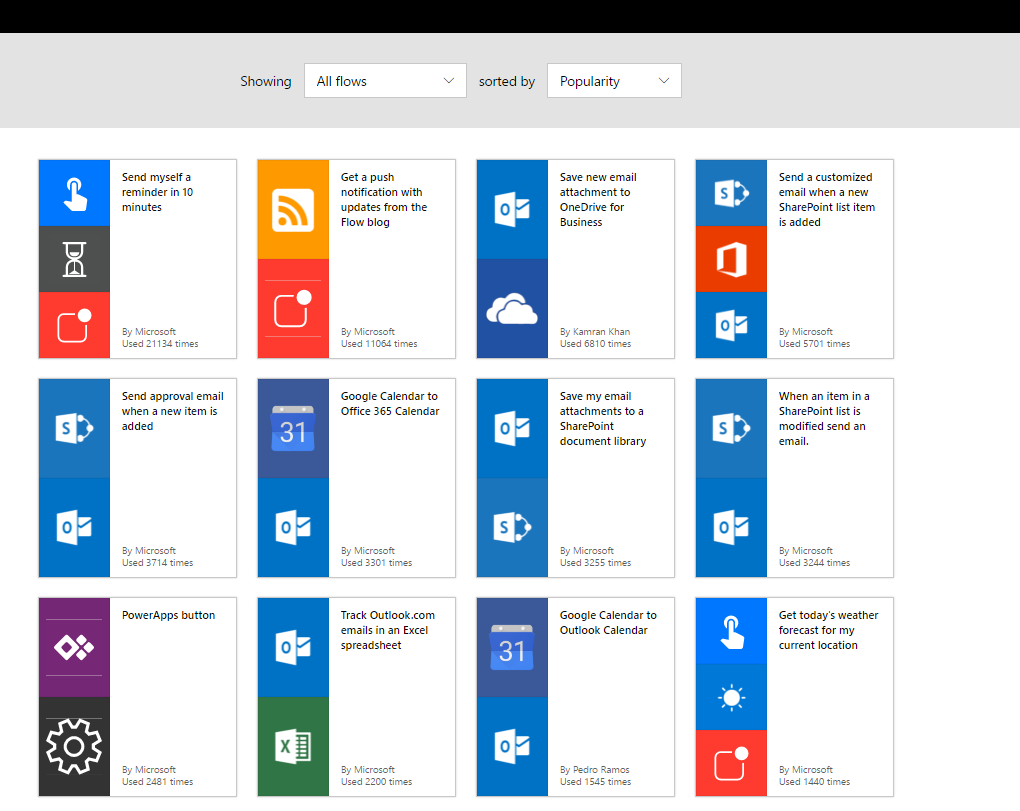
Power Apps is designed for super users to create internal applications that can hook into and leverage data sources such as SQL Databases and Excel. Flow is an Azure hosted workflow service that allows non-developers to create workflows and automate processes across multiple platforms. The two applications can be used in conjunction with one another, but it’s not required. Typical uses for Flow can include push notifications, file synchronization, data collection, and automated approvals. Microsoft has hundreds of prebuilt templates for users to log in and get started with. If the templates don’t provide what you need, then you can create your own flow process from a list of supported triggers and services. In addition to the browser version, Microsoft has created a Flow mobile app that allows users to receive notifications on their mobile devices, eliminating the lag time in any workflow approvals.
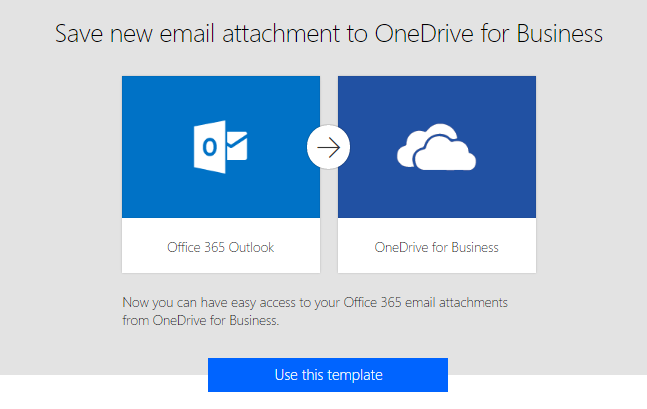
Below is an example of the design process utilizing the Outlook to One Drive template. This template will take email attachments from Outlook and move them into a selected folder of OneDrive for business.
Browse for a Flow template
Select the appropriate Flow template
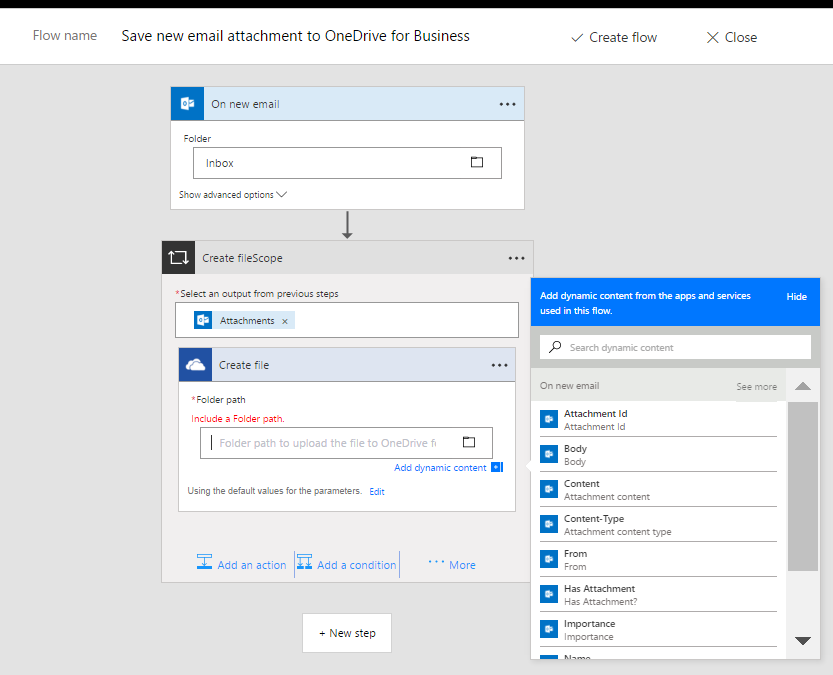
Define workflow parameters, actions, and notifications
This publication contains general information only and Sikich is not, by means of this publication, rendering accounting, business, financial, investment, legal, tax, or any other professional advice or services. This publication is not a substitute for such professional advice or services, nor should you use it as a basis for any decision, action or omission that may affect you or your business. Before making any decision, taking any action or omitting an action that may affect you or your business, you should consult a qualified professional advisor. In addition, this publication may contain certain content generated by an artificial intelligence (AI) language model. You acknowledge that Sikich shall not be responsible for any loss sustained by you or any person who relies on this publication.