







Installation and configuration of the RSAT tool is pretty straight forward, just follow the instructions in the user guide.
To recap the requirements, you will need the following:
- D365 F&O sandbox
- A Windows PC – I used Windows 10
- Excel on the above machine
- Azure Dev Ops project (you will need either an RSAT installation file or a Selenium installation file)
- Windows 10 SDK (for certificate generation)
The installation steps are covered in the user guide. Pay attention to the Selenium installation and file locations.
When you start to configure the RSAT tool and enter the hostname and SOAP hostname, skip the https on the front. For the SOAP hostname, add “soap” to the end of the first URL segment.

Before you click Test Connection, make sure you create the Test Plan in DevOps.
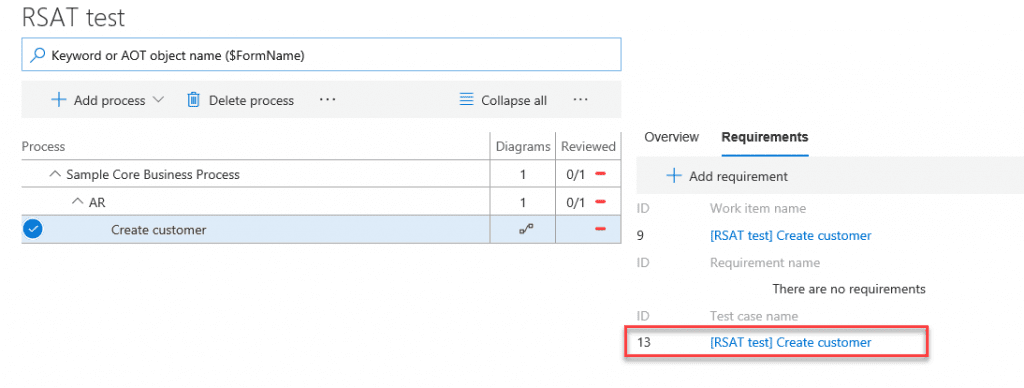
Next, you will need to create a test case. I’ve created a really simple business process library, with one requirement. I created and attached a task recording to the “Create customer” process. I won’t cover it in detail again here, as this has been pretty well documented before.
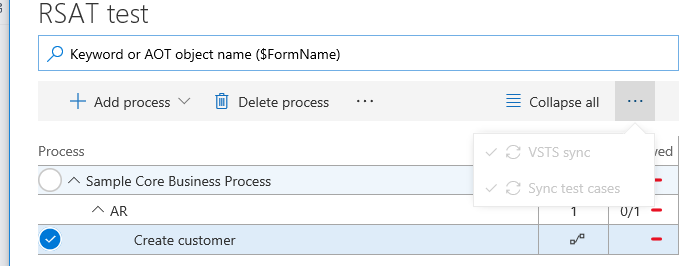
Last step before we fire up the RSAT client is to sync with DevOps (still labelled VSTS in LCS).
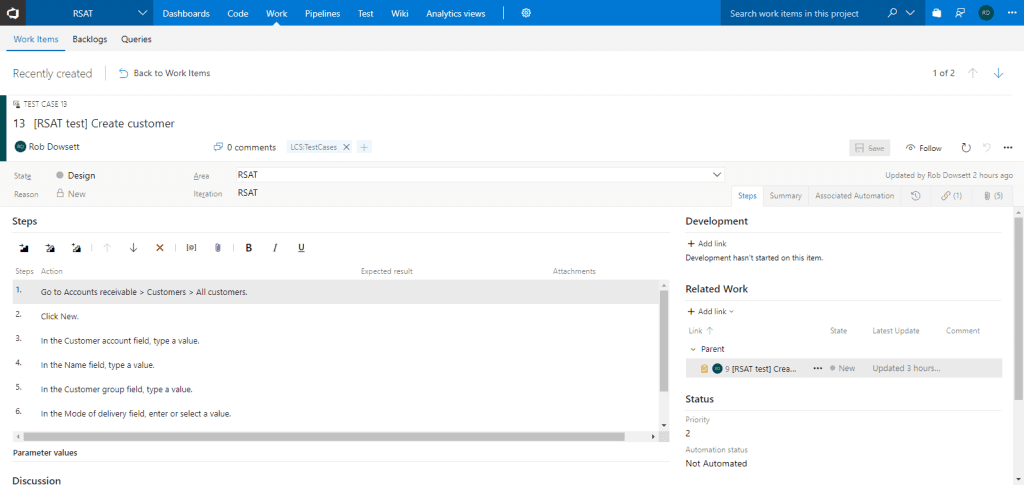
In DevOps, you should now see the test case under work items.
You’ll then need to add the test case(s) to your test plan.

Now back in the RSAT client, click “Load” to import the test case(s) from the test plan.
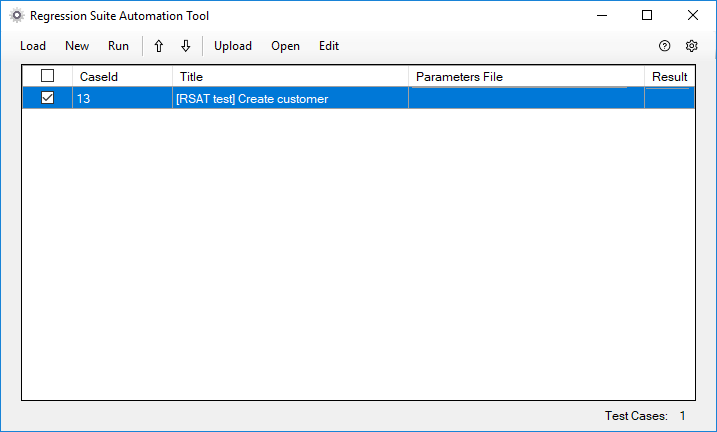
The first time a test is loaded, the parameters file column will be blank. To generate the parameter file, select the test and click “New.” This will generate four files for each test case, in the folder specified in the settings.
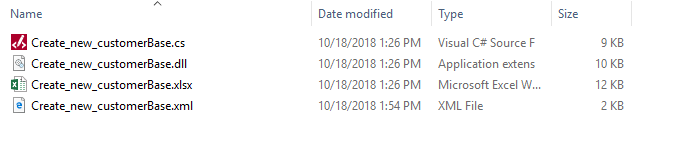
Open the Excel file (either from file explorer or select the test case and click “Edit”). You will see at least two tabs—one for the test and one for each form opened during the test. You will need to update the parameters in the Excel file that the next test execution will use. In my case I will change the customer account and name values.


Now we can run the test.
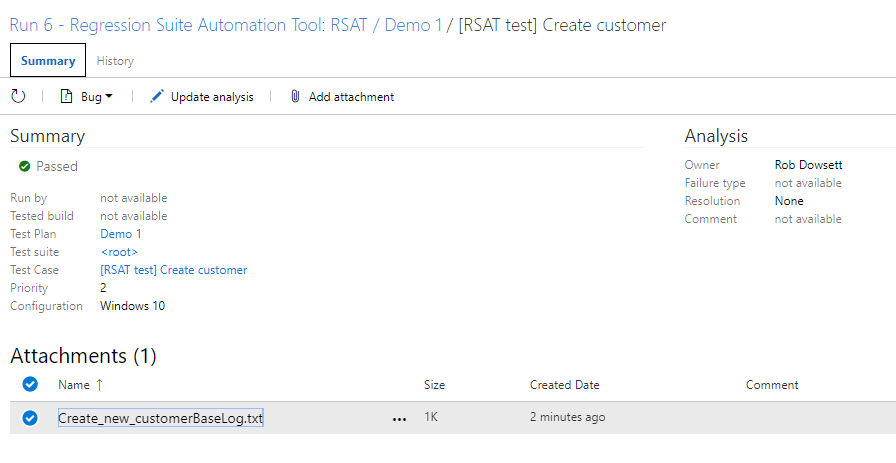
We can see the status of each test case execution in the RSAT client and review the results of the test plan execution back in DevOps.

Have any questions on how to use RSAT tool? Feel free to contact us at any time!
This publication contains general information only and Sikich is not, by means of this publication, rendering accounting, business, financial, investment, legal, tax, or any other professional advice or services. This publication is not a substitute for such professional advice or services, nor should you use it as a basis for any decision, action or omission that may affect you or your business. Before making any decision, taking any action or omitting an action that may affect you or your business, you should consult a qualified professional advisor. In addition, this publication may contain certain content generated by an artificial intelligence (AI) language model. You acknowledge that Sikich shall not be responsible for any loss sustained by you or any person who relies on this publication.