







Out of the box, Microsoft Dynamics 365 Finance and Supply Chain includes integration with Oanda to periodically update exchange rates within the system. While a very capable platform, Oanda is not for the budget conscious. For this reason, Sikich has developed integration with ExchangeRateAPI.IO, which offers clients the same exchange rate functionality for Dynamics 365 in a budget friendly alternate solution.
How to Use ExchangeRateAPI.IO for Exchange Rates in Microsoft Dynamics 365 Finance and Supply Chain
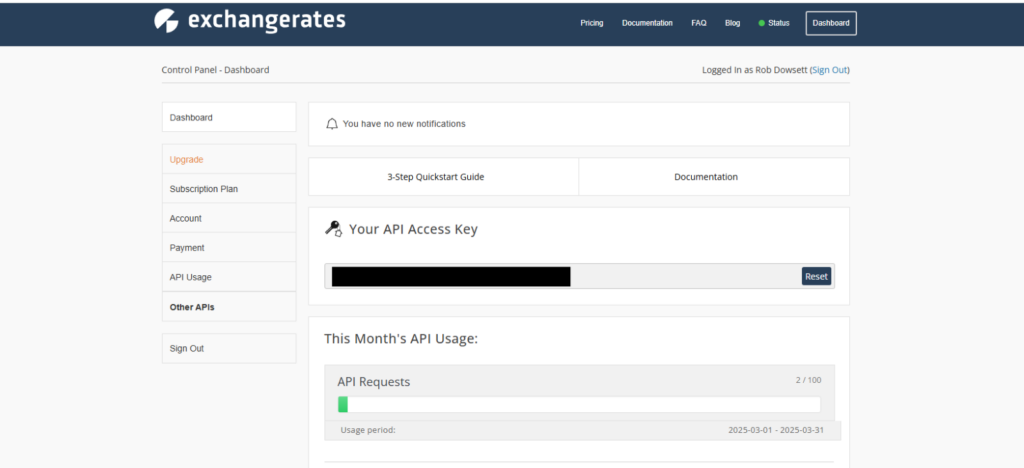
To get started configuring the new exchange rate provider, you will first need to obtain a access token to the ExchangeRateAPI.IO platform, via https://exchangeratesapi.io/.
Once you have an account, copy your API access key from your account dashboard.
Next, configure a new exchange rate provider (General ledger > Currencies > Configure exchange rate providers).
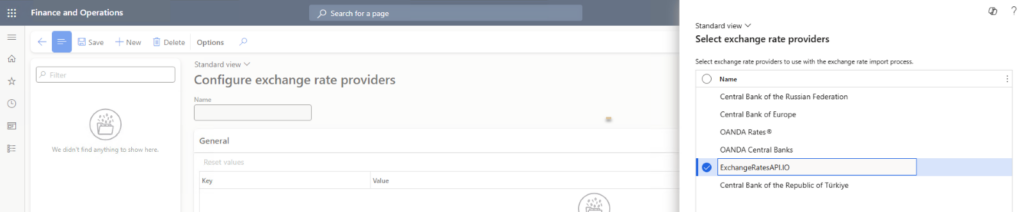
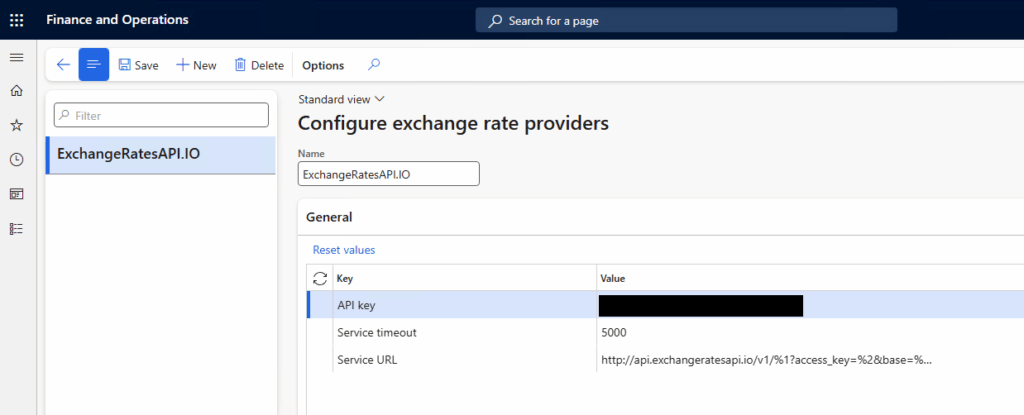
Once configured, exchange rates are ready to be imported. Run the import function on demand or configure it to run periodically via batch job configuration (General ledger > Currencies > Import currency exchange rates).
Specify the newly created exchange rate provider and update the other parameters as necessary. The other parameters on the dialog are documented here: https://learn.microsoft.com/en-us/dynamics365/finance/general-ledger/import-currency-exchange-rates.
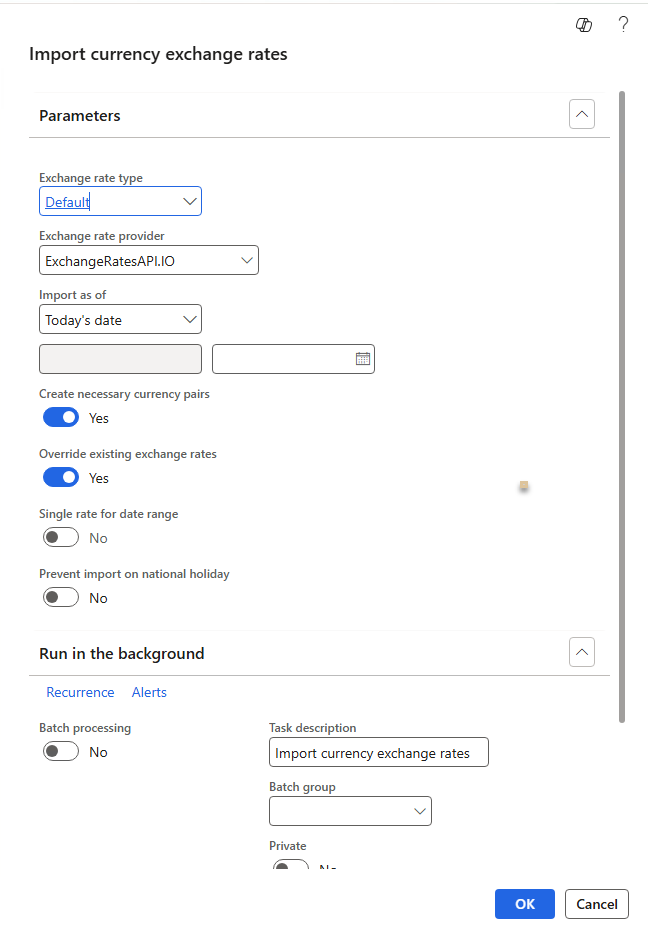
The import will complete in only a few seconds.
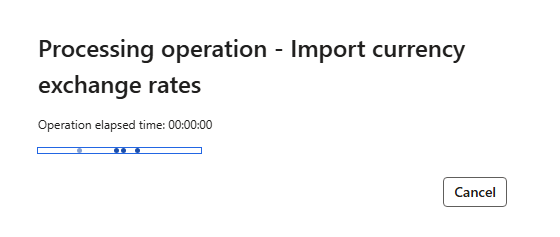
And once complete, you will see the number of rates imported and any errors in the action center or batch job history.

Imported rates will be visible under General ledger > Currencies > Currency exchange rates.
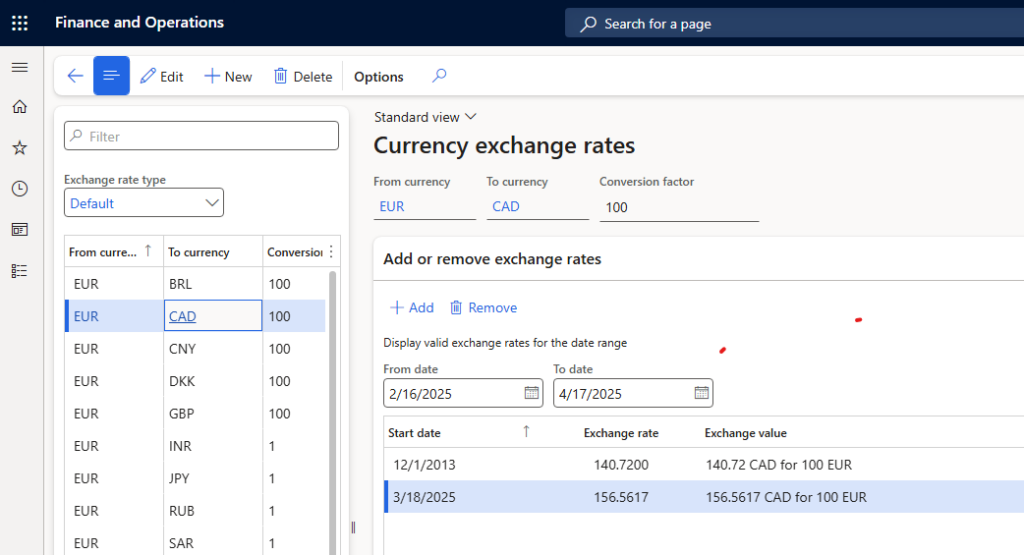
(*Note the free account has limitations on the number of exchange rates and which exchange rates can be imported.)
Have any questions about using ExchangeRateAPI.IO instead of Oanda in Microsoft Dynamics 365? Please reach out to our experts at any time!
This publication contains general information only and Sikich is not, by means of this publication, rendering accounting, business, financial, investment, legal, tax, or any other professional advice or services. This publication is not a substitute for such professional advice or services, nor should you use it as a basis for any decision, action or omission that may affect you or your business. Before making any decision, taking any action or omitting an action that may affect you or your business, you should consult a qualified professional advisor. In addition, this publication may contain certain content generated by an artificial intelligence (AI) language model. You acknowledge that Sikich shall not be responsible for any loss sustained by you or any person who relies on this publication.